
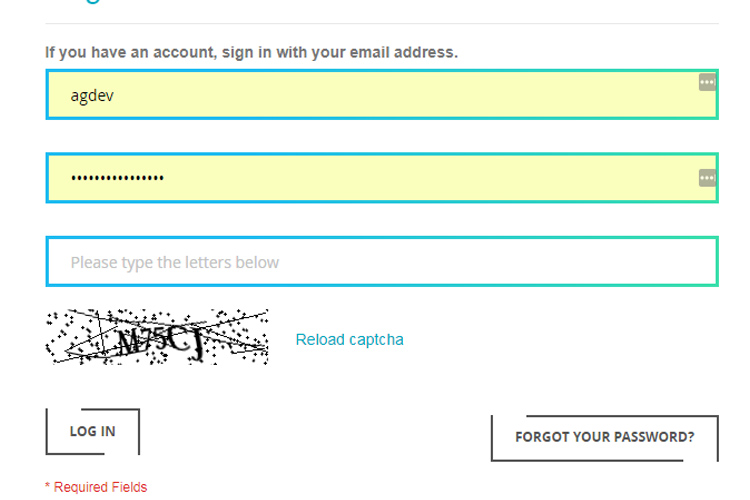
Configuration Settings : Login to admin panel : Go to System -> Configuration -> CUSTOMERS -> Customer Configuration -> Login Options : Set: Redirect Customers to Account Dashboard after Loggin in = No : You can see in comments for this field: Customer will stay on the current page if No is selected. This setting will redirect customers to the page from where they have come to login page. This setting is applicable for all pages of your Magento website. You might have another condition of having this feature only on some specific pages. For example, you might want this feature only on product view page. Or, you might have a category that is visible to logged in customers only. In this case, you can simply use the following code: Redirect to customer login page
if(!Mage::helper('customer')->isLoggedIn()){
Mage::getSingleton('customer/session')
->setBeforeAuthUrl(Mage::helper('core/url')->getCurrentUrl());
$this->_redirect('customer/account/login');
}
Show a login link for non-logged in customersif(!Mage::helper('customer')->isLoggedIn()){
Mage::getSingleton('customer/session')
->setBeforeAuthUrl(Mage::helper('core/url')->getCurrentUrl());
echo'
Please Login to view the page.